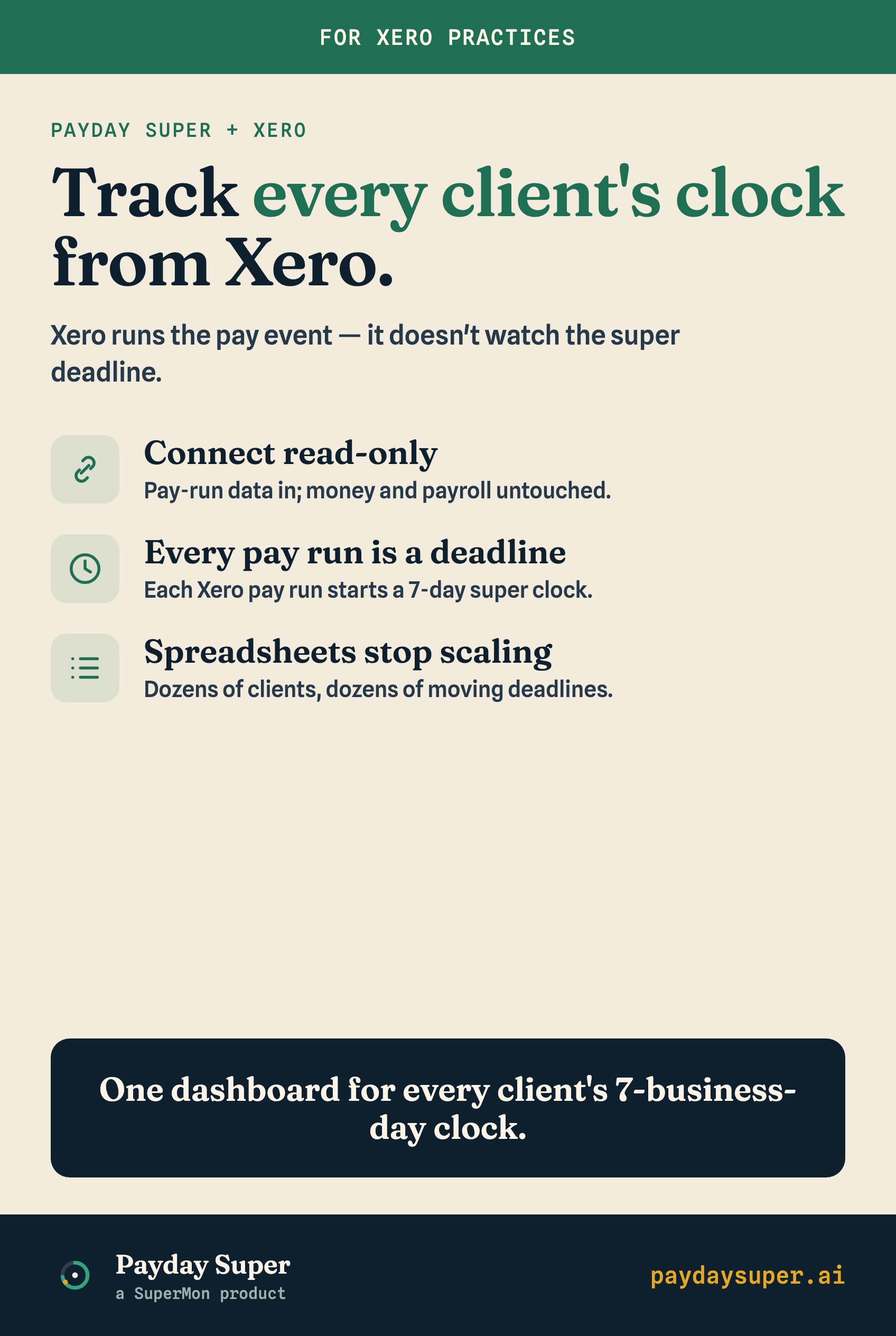
If you run payroll for clients in Xero, Payday Super changes one thing about your job that Xero does not solve for you: from 1 July 2026, every pay run starts a countdown, and you are responsible for knowing whether the super lands in time.
Xero processes the pay run. Xero lodges Single Touch Payroll. Xero can even submit super through auto super. What Xero does not do is tell you that client A's super for last Thursday's pay run must be received by the fund by next Monday, and that it hasn't arrived yet. That gap is where the risk sits.
This guide explains how Xero pay runs map to the 7-business-day clock, walks through a manual tracking workflow, and shows where that approach breaks down once you manage more than a few payrolls.
When does the 7-business-day clock start in Xero?
The clock starts on the payment date of the pay run. That is the day your client's employees are paid, not the day you process the run or the day the pay period ends.
From that payment date you count 7 business days. Business days exclude weekends and national public holidays. The super has to be received by each employee's fund inside that window. Received, not sent. The day Xero submits the contribution does not stop the clock; the day the fund credits the member's account does.
This is the detail that trips people up. A contribution submitted on day 6 that the clearing house and fund take three days to process arrives late, even though you "paid" it inside the week. Receipt is the test, so you have to work backwards from the deadline and leave room for processing.
What does Xero actually do for super timing, and what doesn't it?
Xero is good at the parts before the money moves. It is silent on the deadline itself.
| Task | Xero does it | You still own it |
|---|---|---|
| Calculate SG at 12% of OTE | Yes | -- |
| Process the pay run | Yes | -- |
| Lodge STP for the pay event | Yes | -- |
| Submit super via auto super | Yes (where set up) | Leaving a processing buffer |
| Calculate the 7-business-day deadline per pay run | No | Yes |
| Confirm the fund received it in time | No | Yes |
| Alert you before a client is about to be late | No | Yes |
| Track all of this across every client at once | No | Yes |
Auto super is the part people lean on, and it does help. But "submitted through auto super" is not the same as "received by the fund". The compliance obligation lives on the receipt side, and Xero gives you no view of whether receipt happened inside the window. You are trusting that submission plus processing time stays under 7 business days, for every employee, every cycle.
How do I track Payday Super deadlines in Xero manually?
If you want to do this by hand, here is a workflow that holds up for a small number of clients.
- List every payroll you run. One row per client, per pay cycle. A client with weekly and monthly runs gets two rows.
- Record the payment date for each pay run as it goes through. This is the date the clock starts.
- Calculate the deadline. Count 7 business days from the payment date, skipping weekends and national public holidays. Write the date in.
- Note the submission date and method. When was super submitted, and through which clearing house? This tells you how much processing buffer you have left.
- Confirm receipt. Check that the fund received the contribution before the deadline. This is the step most people skip, and it is the only one that proves compliance.
- Flag anything tight. Mark any run where the deadline is within two business days and receipt isn't confirmed. Those are the ones that turn into a Super Guarantee Charge.
Run this every pay cycle, for every client, and you have a defensible record.
Why doesn't the manual approach scale?
Because the numbers work against you. One client on a monthly cycle is twelve deadlines a year. Forty clients across weekly, fortnightly, and monthly runs is several hundred deadlines, each with its own start date, its own public-holiday maths, and its own receipt confirmation.
A spreadsheet does not know a public holiday landed in the middle of a count. It does not chase you when receipt hasn't been confirmed. It does not notice that one client's fund is consistently slow. Every one of those checks depends on a person remembering to look, during a busy payroll week, across dozens of rows.
The cost of one miss is not small. A late contribution triggers the Super Guarantee Charge: the shortfall, nominal interest, and an administration component. The SGC is calculated on total salary and wages rather than just OTE, so it can come to more than the super that was owed, and it is not tax-deductible. ATO guideline PCG 2026/1 signals a more supportive approach in the first year for employers who are genuinely trying and who fix mistakes quickly, but that is leniency in how the ATO engages, not an exemption. The charge still applies. Confirm the current detail with ATO guidance, because the mechanics are what bite.
What does good monitoring look like for a Xero practice?
Good monitoring means you never have to remember to check. The deadline for every pay run is calculated the moment the run goes through, and something tells you before a client is at risk, not after.
The practical way to get there is a tool that reads your clients' Xero pay runs directly and does the deadline maths for you. This is where a read-only connection matters. A read-only connection reads pay run data, works out each 7-business-day deadline, and tracks status. It cannot move money, change payroll, or submit contributions. Your payments stay exactly where they are; the tool just watches the clock.
SuperMon works this way. It connects to Xero read-only today, reads each client's pay runs, tracks every 7-business-day deadline across your whole client base, and alerts you before anyone is late. MYOB support is coming. The point isn't to replace your payroll or your clearing house. It's to close the one gap Xero leaves open: continuous, per-client visibility of whether super is on track to land in time, so a missed deadline becomes something you catch days early instead of something you discover after the charge has already been triggered.